What if the barcode is not found?
Switch to the ingredient-label photo option. The app reads the panel directly, so it works even for store brands, imported goods, and products no database has catalogued yet.
Point your phone at a barcode or an ingredient list and find out in seconds whether a packaged food is safe for your allergies.

Reading a packaged food label with an allergy is a small exam you have to pass in the middle of a grocery aisle. The print is tiny, the allergen names change from brand to brand, and manufacturers reformulate products without warning. Miss one line and the consequences are not a bad meal — they are a reaction.
A food allergy scanner app removes the guesswork. Stuff I Can Eat checks a barcode or an ingredient photo against your personal allergen profile and tells you, in seconds, whether the product is safe, worth a closer look, or one to put back on the shelf.
Here is exactly how it works, and how to get accurate results every time.
Every scan is judged against your profile, so this is the step that makes results personal instead of generic. Add each allergen you avoid — peanuts, tree nuts, milk, eggs, wheat, soy, sesame, fish, shellfish, or anything else — and flag Celiac disease or an intolerance where it applies.
You can also set how strict you want to be about cross-contact. Someone with a severe peanut allergy usually wants "may contain peanuts" treated as unsafe; someone with a mild intolerance may only want a caution flag. Learn what those statements actually mean in our guide to "may contain" labels.
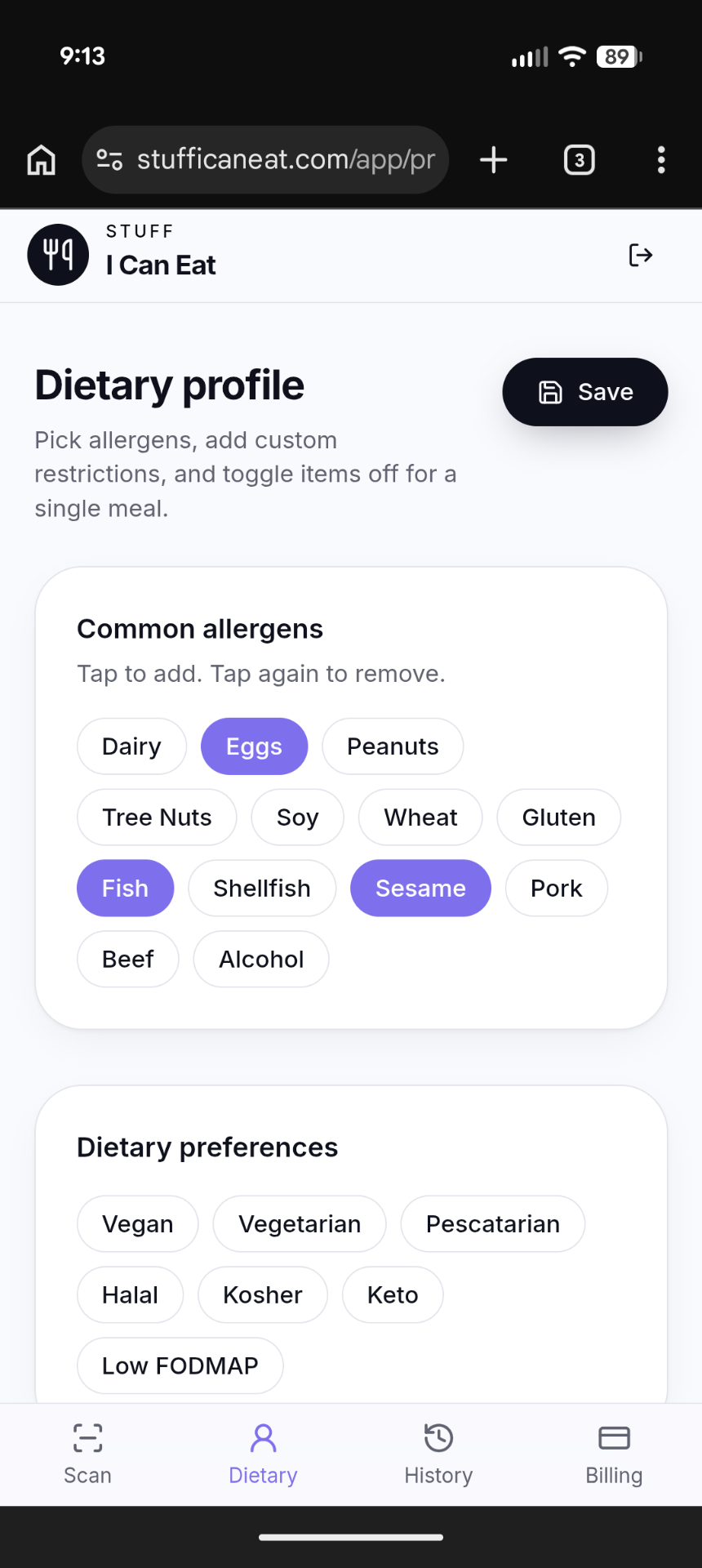
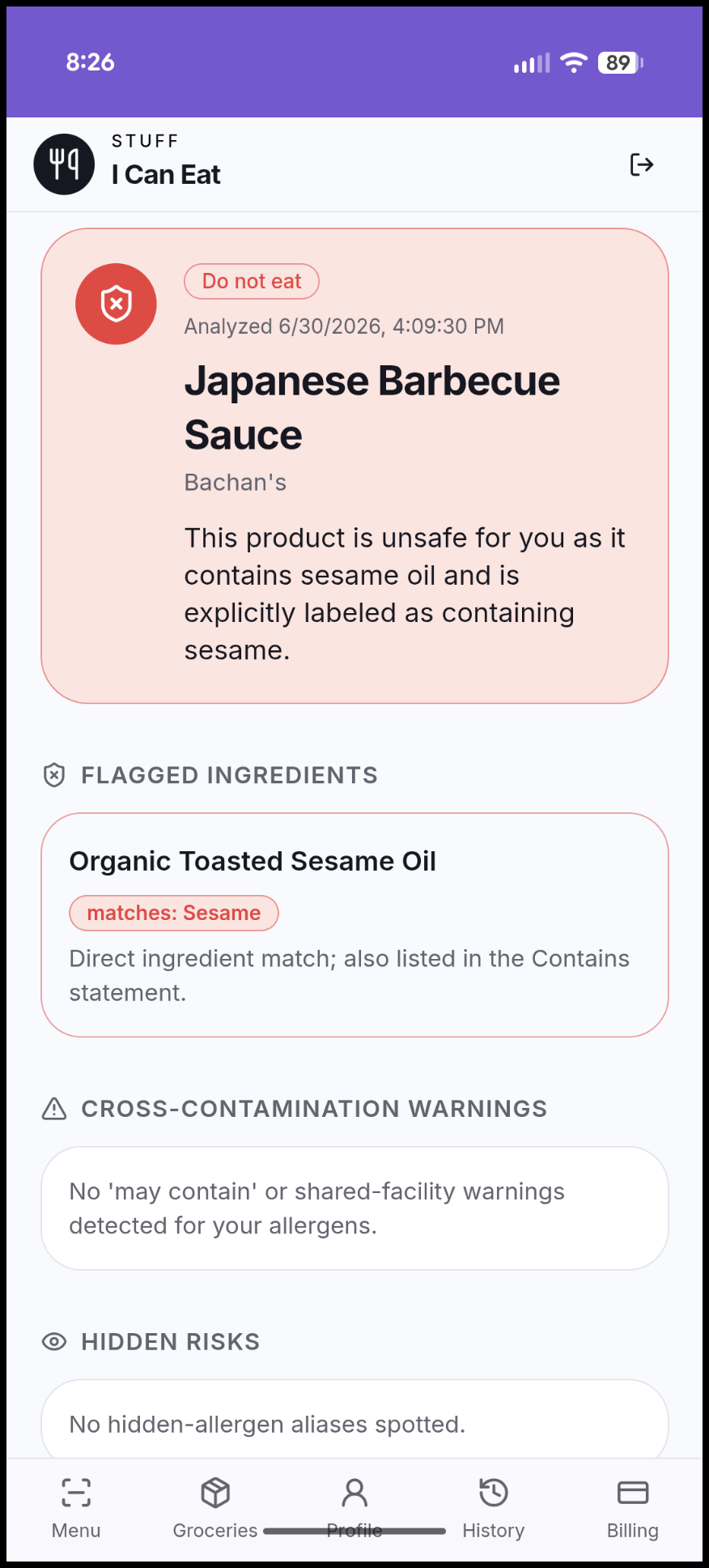
Open the scanner, point your camera at the barcode on the back or side of the package, and hold steady. Stuff I Can Eat looks the product up and pulls back what is on record:
Barcodes are fast, but they are not universal. Reach for the label-photo option when:
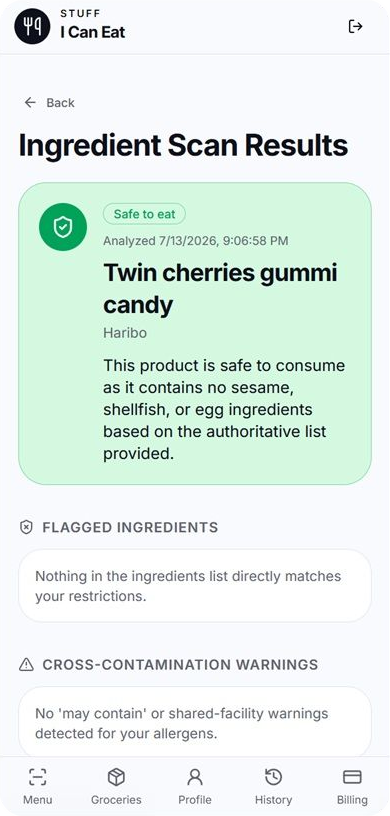
Get the whole ingredient panel in frame, including the "Contains" line underneath it, and keep the package flat and well lit. A clear photo produces a far more reliable read than a blurry one taken at an angle.
Results are colour coded so you can decide at a glance, and each one explains itself rather than just delivering a verdict.
The label always wins.
If a scan and the physical package disagree, trust the package. Manufacturers reformulate, and databases take time to catch up. Use the scan to spot risks fast, then confirm anything borderline on the label in your hand.
Most accidental exposures do not come from an obvious ingredient. They come from a name you did not recognise as an allergen.
The scanner checks every one of those names against your profile in a single pass — something almost nobody does reliably by eye at the end of a long shopping trip.
Switch to the ingredient-label photo option. The app reads the panel directly, so it works even for store brands, imported goods, and products no database has catalogued yet.
Yes. Your free trial includes 3 restaurant menu checks, 5 ingredient label scans, and a translated allergy card. No credit card is required to start.
It does. Celiac disease means avoiding all gluten sources — wheat, barley, rye, malt, and most oats — while a wheat allergy is narrower. Set the right one in your profile and results adjust accordingly.
Yes. Stuff I Can Eat checks restaurant menus, scans packaged ingredient labels, and generates translated allergy cards from one profile. See everything it does on our features page.
Create your free safety profile and start checking barcodes and ingredient labels against your exact allergies in seconds.
More practical guides to help you eat safely and confidently.
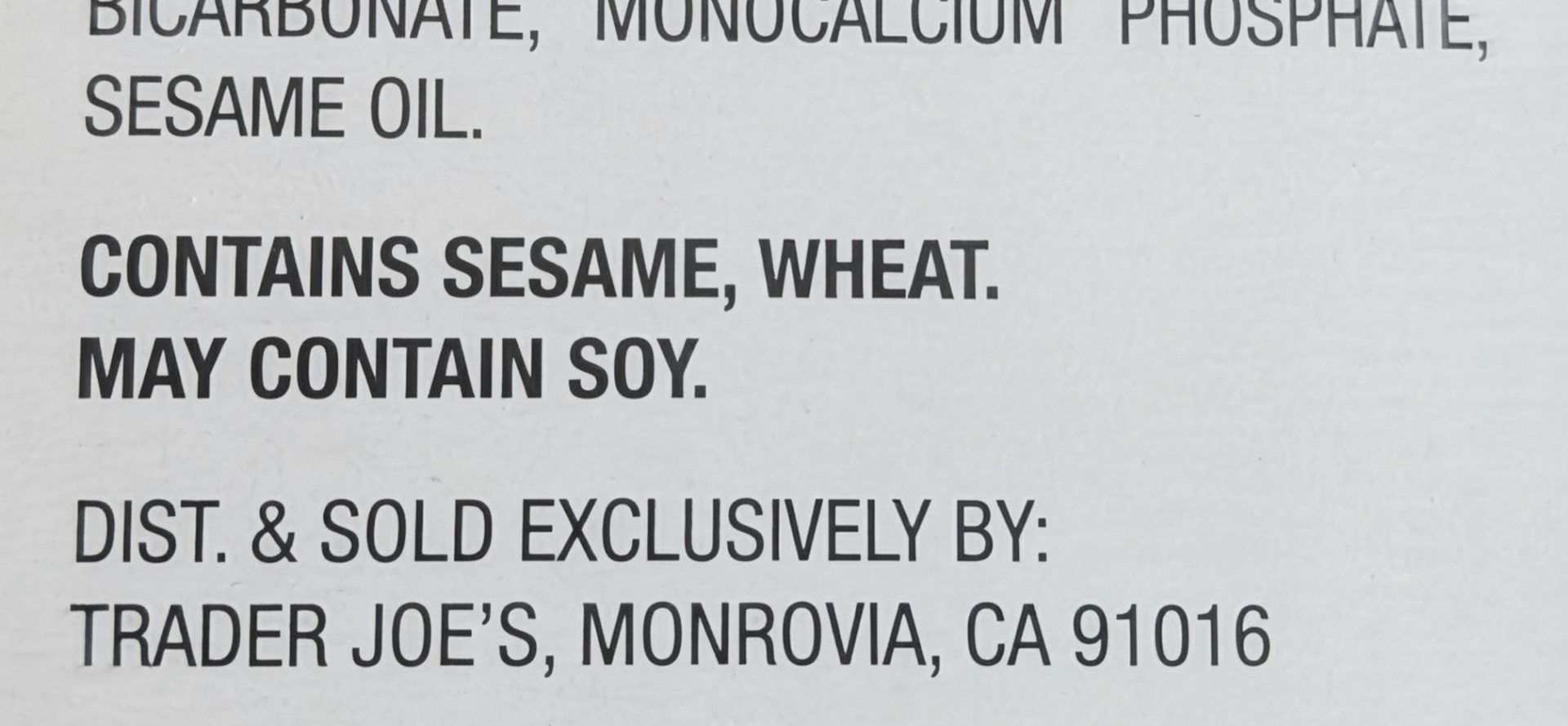
"May contain" warnings are voluntary — and no warning doesn't mean a food is safe. What these labels really mean, and when to walk away.

A free printable list of every deceptive ingredient name that hides gluten — wheat aliases, barley malt traps, red-flag additives, and safe lookalikes.

Decode complex packaging labels and avoid sneaky wheat, barley, and rye derivatives hiding in everyday grocery aisles.